| ReferralNow · Dashboards |
How to Use the ReferralNow Dashboards
ReferralNow gives you two dashboards for keeping track of your referral program: the Activity Dashboard, which monitors engagement across your network in real time, and the Lead Dashboard, which tracks how those referrals turn into real business. Once your campaigns start getting responses, this is where you'll come to see what's working and follow up on every lead.
This interactive walkthrough plays on its own — sit back and watch, or use the arrows at the bottom to skip ahead or replay a step.
| Open the ReferralNow Activity Dashboard |
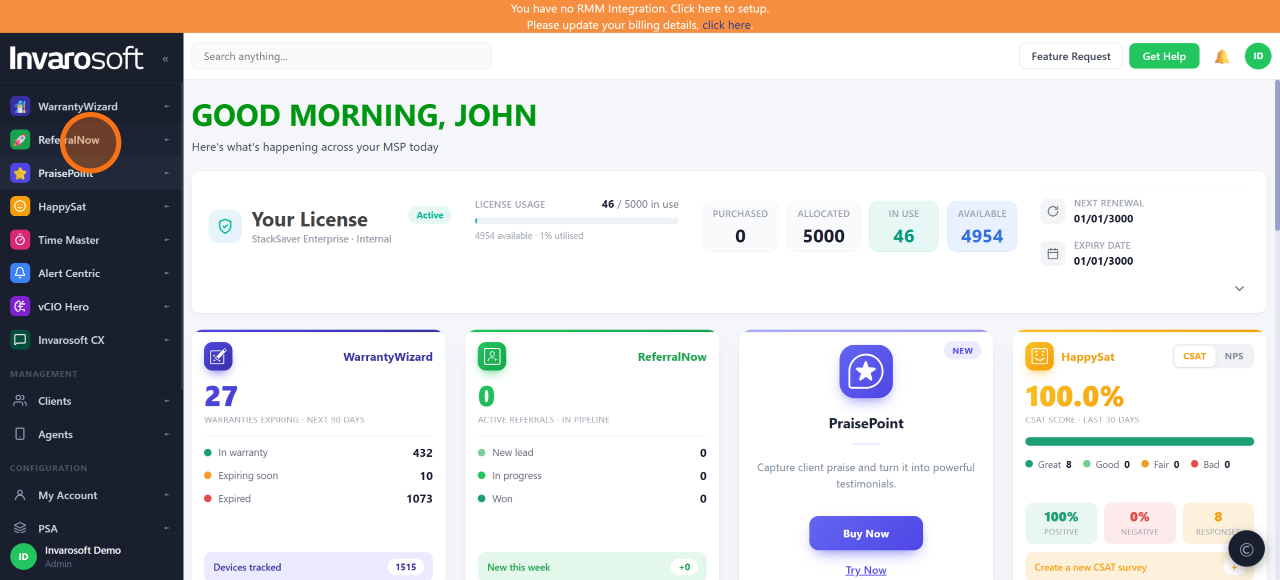
In the left-hand menu, click ReferralNow and then Activity Dashboard to see a real-time pulse of referral activity across your network.
| Review your activity stats |
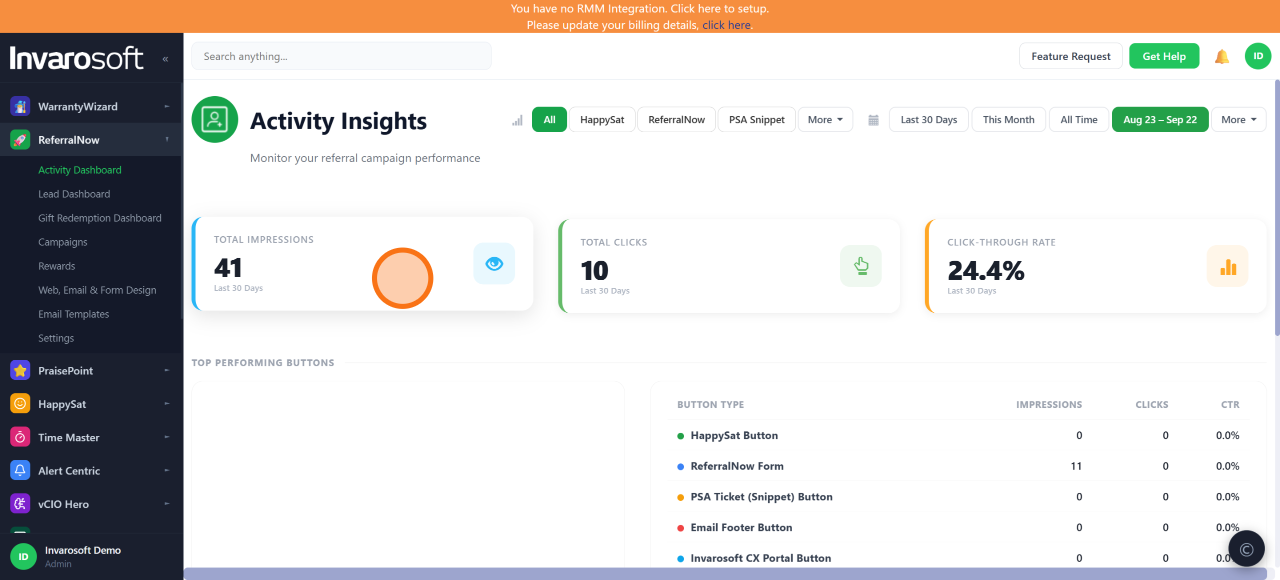
At the top of the page you'll find Total Impressions, Total Clicks, and Click-Through Rate (CTR) for the selected date range. These numbers represent the referral touchpoints driving engagement with your program.
| Check the Engagement Over Time chart |
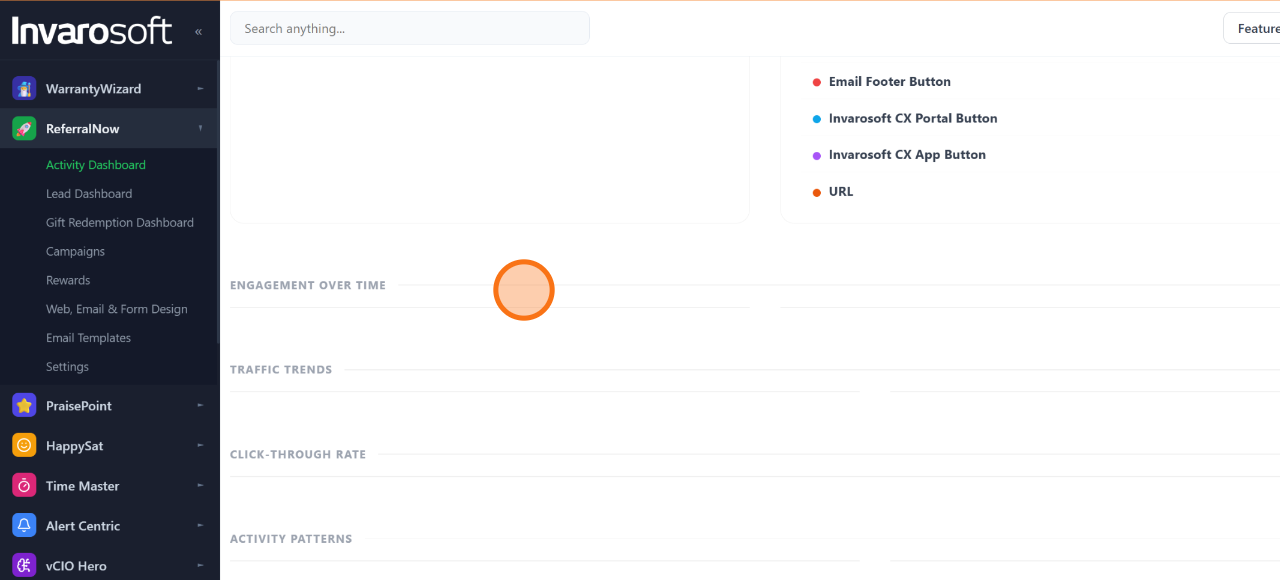
Scroll down to Engagement Over Time to see trends in referral activity, so you can spot what's working and double down on it.
| Switch to the Lead Dashboard |
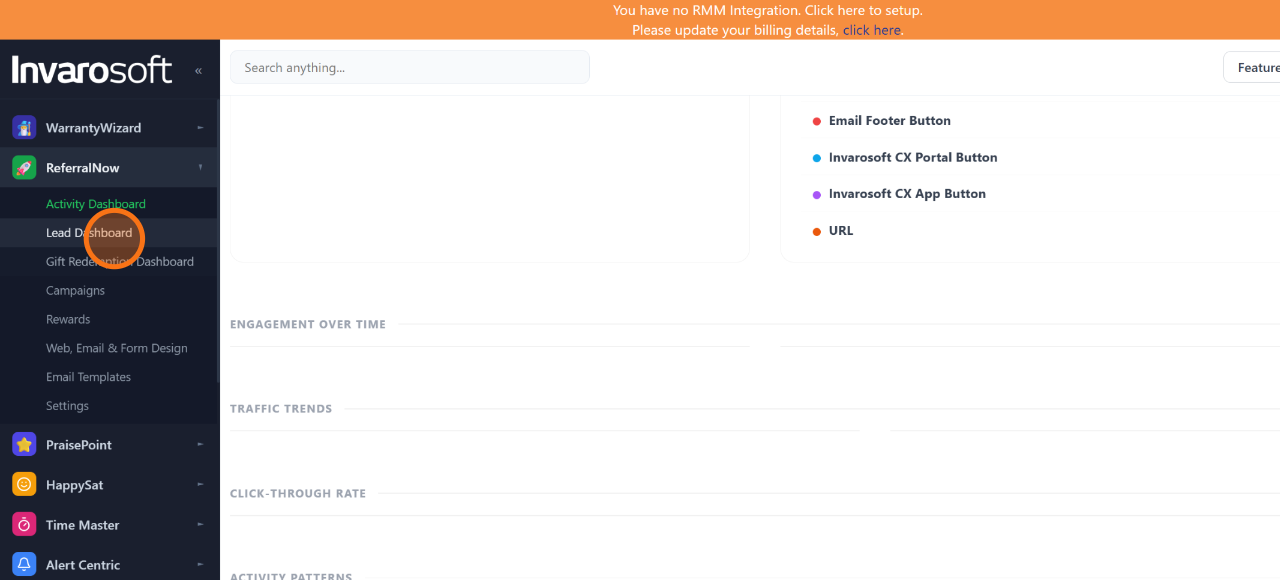
Click Lead Dashboard in the left-hand menu to see which referrals are converting into real business opportunities.
| Review your referral pipeline |
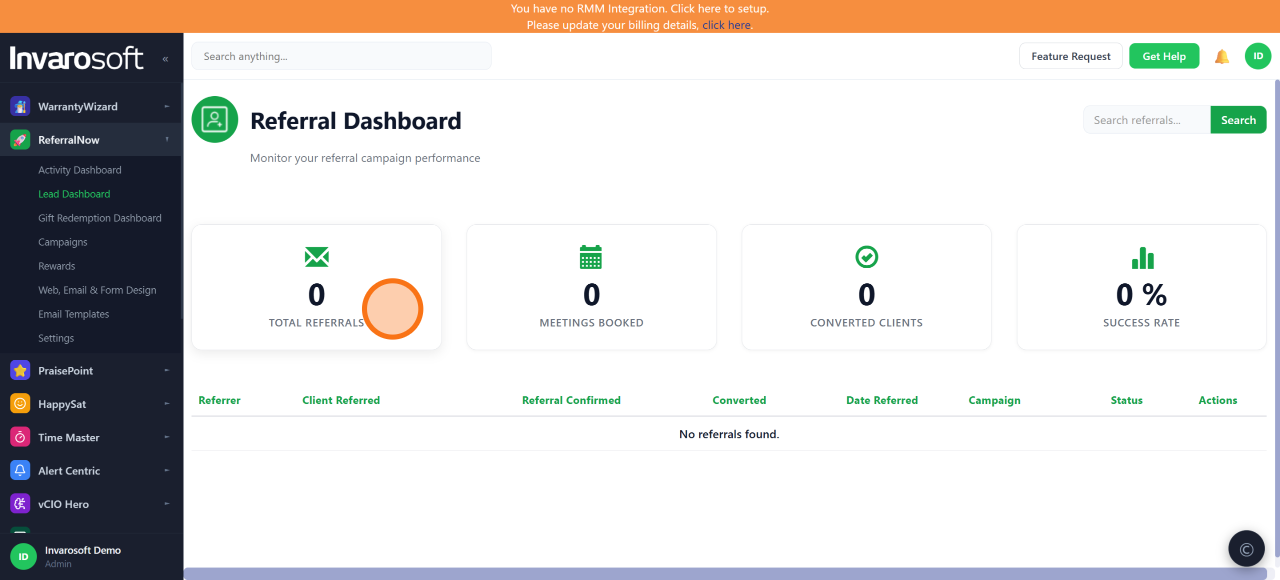
The Lead Dashboard shows Total Referrals, Meetings Booked, Converted Clients, and Success Rate.
| Search for a specific referral |
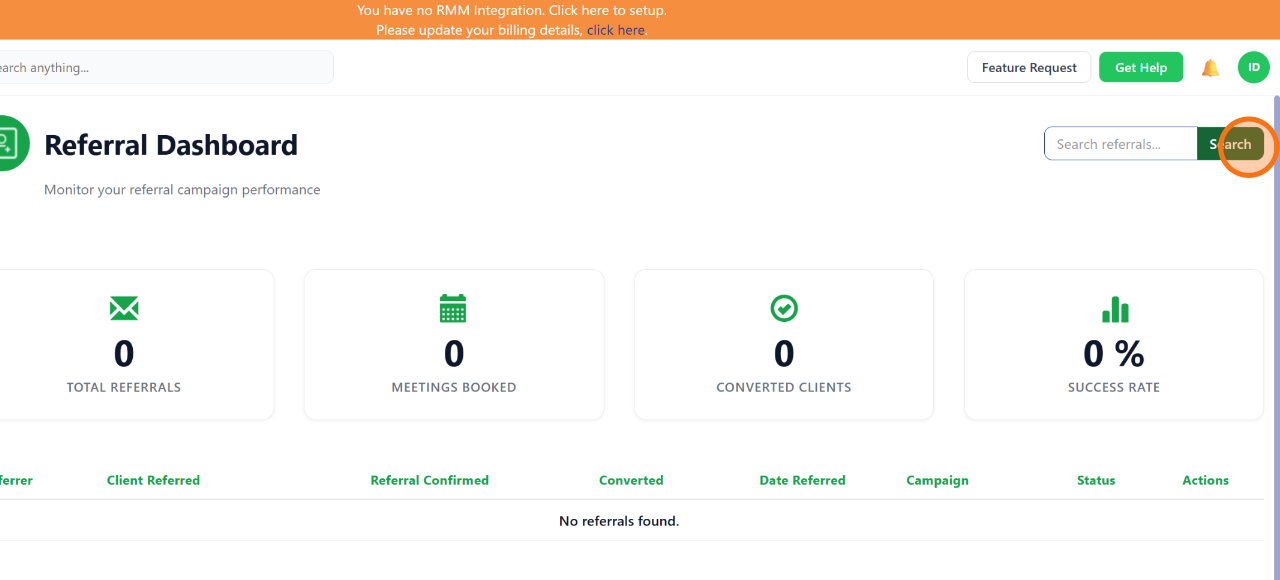
Use the Search referrals field to instantly find any referral by name or detail — no more digging through spreadsheets or chasing emails. Click Search to run it and surface the exact referral data you need.
| Done. You now know how to monitor referral activity and lead conversion from the ReferralNow dashboards, so you can spot trends, track your pipeline, and follow up on every referral as your campaigns bring in responses. |
Was this article helpful?
That’s Great!
Thank you for your feedback
Sorry! We couldn't be helpful
Thank you for your feedback
Feedback sent
We appreciate your effort and will try to fix the article