How to Enable Google Reviews in Invarosoft
This guide will help you enable customers to leave Google reviews after completing a CSAT survey in HappySat. Follow these steps carefully to ensure the feature is set up correctly.
Step 1
Log in to Invarosoft

Step 3
Within the CSAT configuration, before the final snippet title, look for the option labeled "Google Review."

Step 4
Set it to Enable.

Step 5
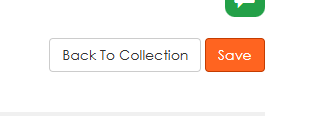
Click Save to apply the changes.
Step 6
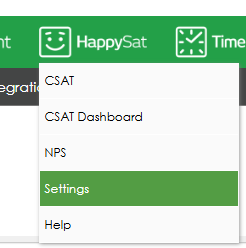
Return to HappySat >> Settings.
Step 7
Click the Edit button.

Step 8
Enter the URL of your Google review page.

Step 9
Save the changes by clicking on the update button.

NOTE:
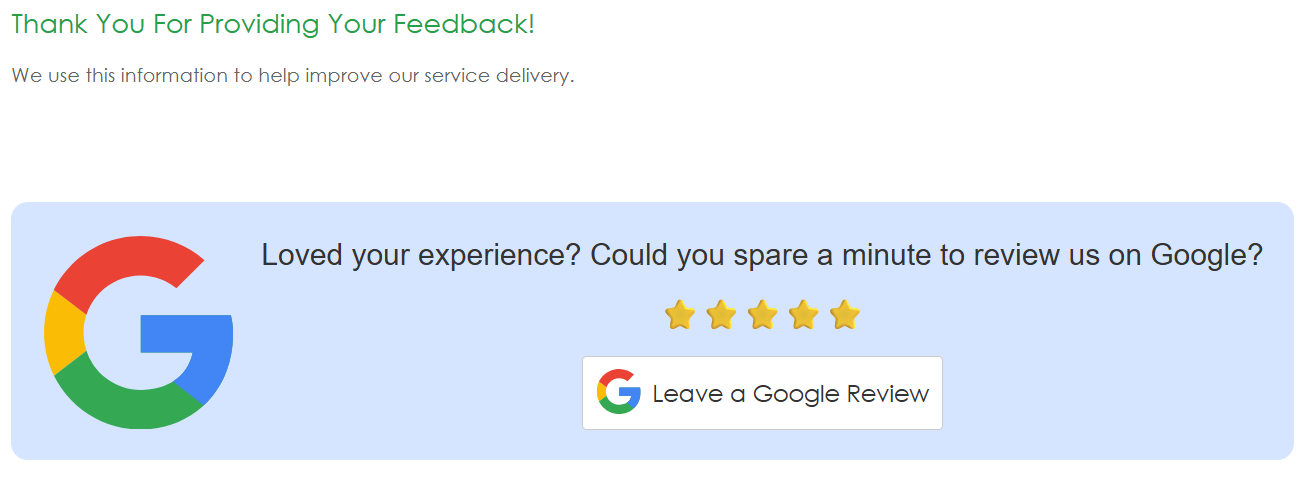
Verify the Flow: Once your user completes the CSAT survey and clicks Submit, the option to leave a Google review will appear.
Was this article helpful?
That’s Great!
Thank you for your feedback
Sorry! We couldn't be helpful
Thank you for your feedback
Feedback sent
We appreciate your effort and will try to fix the article